ERP systems help businesses manage important operations such as finance, HR, sales, inventory, purchasing, and supply chain management. However, finding information or completing tasks in a traditional ERP system can sometimes take time, especially when employees need to work across different modules.
An AI chatbot for ERP makes this process easier by allowing employees to interact with the system using simple questions. Instead of searching through multiple screens, users can ask questions such as “What is our current inventory?” or “Show me this month’s unpaid invoices.”
However, building an ERP AI chatbot requires careful planning around features, integrations, security, AI technology, and development costs. In this guide, we’ll explain what an ERP AI chatbot is, its key use cases and features, how it is developed, and how much it can cost to build.
Build a Custom ERP AI Chatbot With Clone App Development.
Book Consultation
What Are ERP AI Chatbots?
An ERP AI chatbot is a smart virtual assistant connected to a company’s ERP (Enterprise Resource Planning) system. It allows employees to interact with business data and ERP functions through a simple chat interface instead of manually searching through different menus and modules.
For example, instead of going through the inventory section, an employee could ask, “How many products do we have in stock?” The chatbot may examine the ERP system and provide the response.
An ERP AI chatbot can help enterprises in various areas, depending on the ERP modules it links to.
For example, it can help users:
- Check inventory levels
- Track purchase orders
- Find customer information
- Check invoice status
- View sales data
- Check employee leave balances
- Find company policies
- Track shipments
- Create simple reports
- Summarize business data
- Start approved workflows
How ERP AI Chatbots Work
An ERP AI chatbot generally works through several connected layers:
User Interface
Employees ask questions through a chat window, website, mobile app, or internal business platform.
AI and Language Model
The AI understands what the employee is asking and identifies the required information or action.
ERP Integration
APIs or middleware connect the chatbot with the relevant ERP modules and data.
Data Processing
The system obtains the needed information and processes it according to the user’s request.
Security & Permissions
Before delivering any information or running any actions, the chatbot verifies what the user is permitted to see or alter.
Response
The chatbot responds with a brief response or indicates the job was accomplished as asked.
Traditional ERP vs. ERP AI Chatbot
In contrast to a standard ERP, an AI-powered chatbot adds a conversational layer on top of the ERP, making the system more user-friendly.
| Traditional ERP | ERP AI Chatbot |
| Users navigate through menus | Users ask questions directly |
| Requires knowledge of ERP modules | Uses simple natural language |
| Information may require multiple steps | Provides faster access to information |
| Reports are often manually checked | Can summarize data through chat |
| Tasks may require several screens | Can support approved workflows |
| User experience can be complex | More conversational and user-friendly |
An ERP AI chatbot does not necessarily replace the ERP system. Instead, it works as an intelligent layer that makes existing ERP data and processes easier for employees to access and use.
Use Cases Of ERP AI Chatbots
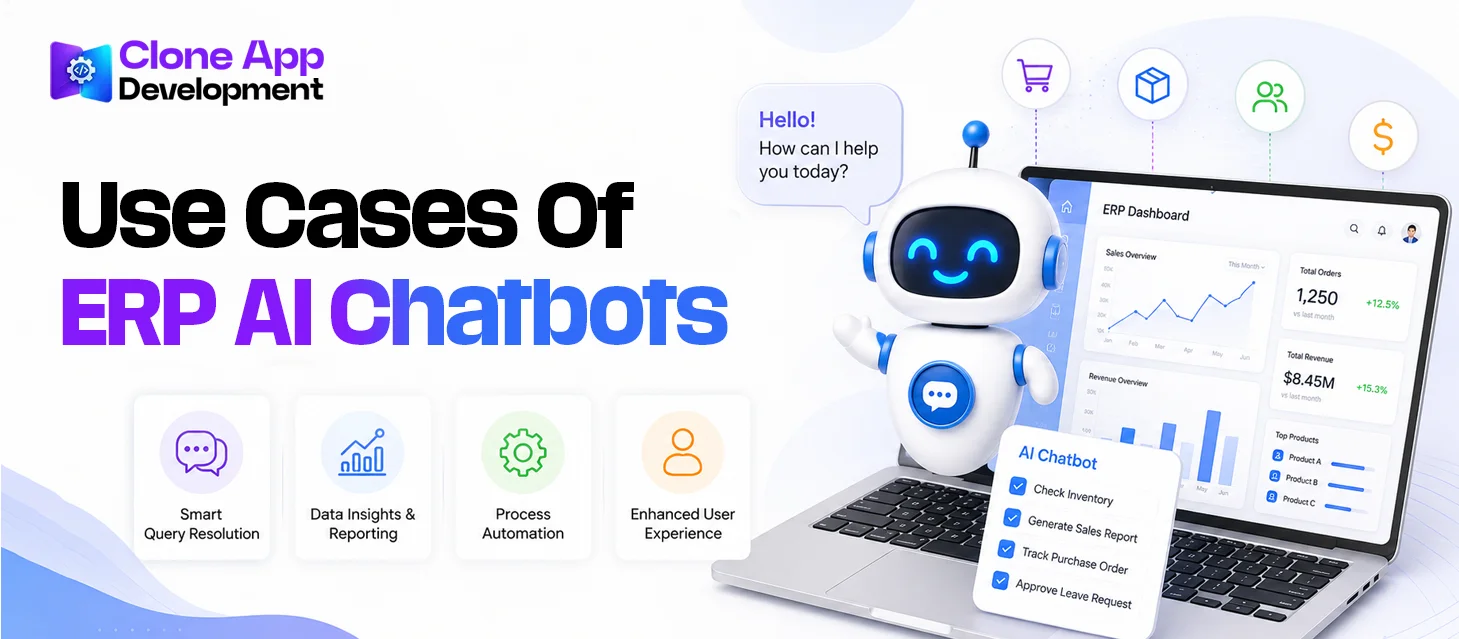
Explore these use cases of ERP AI Chatbots:
Finance and Accounting
Finance teams can use the chatbot to quickly find financial information without checking different screens.
Common uses include:
- Check invoice status
- Track payments
- View expenses
- Find pending invoices
- Get quick financial summaries
Human Resources
An ERP chatbot can answer common employee questions and make basic HR information easier to access.
It can help with:
- Checking leave balances
- Finding HR policies
- Checking payroll information
- Answering employee questions
- Supporting new employee onboarding
Inventory Management
Employees can ask the chatbot about stock and warehouse information instead of manually checking inventory records.
Useful for:
- Checking stock levels
- Finding product availability
- Identifying low-stock items
- Checking warehouse data
- Tracking inventory movement
Sales and Customer Management
Sales teams can use the chatbot to quickly find customer and order information.
It can help teams:
- Check customer details
- Track orders
- View sales figures
- Find pending orders
- Summarize customer activity
Procurement
Procurement teams can use an AI chatbot to keep track of purchasing activities and supplier information.
Common uses include:
- Checking purchase orders
- Tracking approvals
- Finding supplier details
- Checking purchase requests
- Tracking order status
Supply Chain and Operations
The chatbot can also help teams monitor everyday operational activities.
Examples include:
- Track shipments
- Check delivery status
- View production information
- Find supplier details
- Identify delayed orders
Key Features of ERP AI Chatbots
An effective ERP AI chatbot should make it simpler for workforce teams to access information and perform routine activities. The correct functionalities will make the chatbot more valuable, secure and easy to use in many corporate areas. Wondering what features to include in an ERP AI chatbot? Explore below:
Natural Language Interaction
Employees can talk to the chatbot in simple language instead of learning complex ERP menus or commands.
Key pointers:
- Ask questions naturally
- Understand everyday language
- Handle follow-up questions
- Provide simple answers
ERP System Integration
The chatbot needs to connect with the ERP system to access the business information employees need.
Key pointers:
- Connect with ERP modules
- Access business data
- Work with APIs
- Support multiple ERP systems
Secure User Access
Not every employee should have access to the same information. The chatbot should follow the user’s role and permissions.
Key pointers:
- Role-based access
- User authentication
- Data protection
- Permission-based actions
Real-Time Data Access
The chatbot can provide current information directly from the ERP system, helping employees make faster decisions.
Key pointers:
- Current inventory data
- Latest order status
- Updated invoice information
- Recent sales information
Task Automation
An advanced ERP chatbot can help employees complete simple tasks instead of only answering questions.
Key pointers:
- Create requests
- Update records
- Start approval processes
- Track task status
Smart Reports and Summaries
Users can ask the chatbot to explain or summarize ERP data instead of manually going through lengthy reports.
Key pointers:
- Sales summaries
- Inventory reports
- Financial information
- Business insights
Conversation Memory
The chatbot can keep track of the current conversation, allowing users to ask follow-up questions without repeating the same details.
Key pointers:
- Remember conversation context
- Handle follow-up questions
- Provide relevant responses
- Make conversations smoother
Multilingual Support
For businesses with employees in different regions, multilingual support allows teams to interact with the chatbot in their preferred language.
Key pointers:
- Multiple languages
- Localized responses
- Easier employee communication
- Support for global teams
Human Support Option
AI cannot handle every request. When a question is too complex or requires human attention, the chatbot can connect the user with the right team member.
Key pointers:
- Escalate complex queries
- Connect with support teams
- Transfer conversation details
- Reduce unresolved requests
Build a Custom ERP AI Chatbot With Clone App Development.
Book Consultation
ERP AI Chatbot Development Steps
Follow this step-by-step process to build ERP AI chatbots:
Define the Business Requirements
Start by deciding what you want the chatbot to do and which problems it should solve.
Key pointers:
- Identify business needs
- Choose target departments
- Define chatbot tasks
- Decide who will use it
Select ERP Modules and Use Cases
Choose the ERP areas the chatbot will work with first. Starting with a few important modules can make development easier.
Key pointers:
- Finance
- HR
- Sales
- Inventory
- Procurement
- Customer management
Choose the AI Technology
Select the AI model and supporting technologies based on the chatbot’s requirements and the type of information it needs to handle.
Key pointers:
- AI model
- Natural language processing
- Database
- Cloud infrastructure
- AI APIs
Connect the Chatbot With ERP
The chatbot needs to communicate with the ERP system to access data and perform approved tasks.
Key pointers:
- API integration
- Data mapping
- ERP connectivity
- Authentication
- Secure data transfer
Design and Develop the Chatbot
The development team then builds the chatbot interface, AI layer, backend, and required ERP workflows.
Key pointers:
- Chat interface
- Backend development
- AI integration
- ERP workflows
- User permissions
Test the Chatbot
Testing helps make sure the chatbot provides accurate answers, follows access rules, and works properly with the ERP system.
Key pointers:
- Response accuracy
- ERP data accuracy
- Security testing
- Performance testing
- User testing
Launch and Improve
After launch, monitor how employees use the chatbot and improve it based on feedback and performance.
Key pointers:
- Monitor usage
- Track errors
- Collect feedback
- Improve responses
- Add new features
ERP AI Chatbot Development Cost
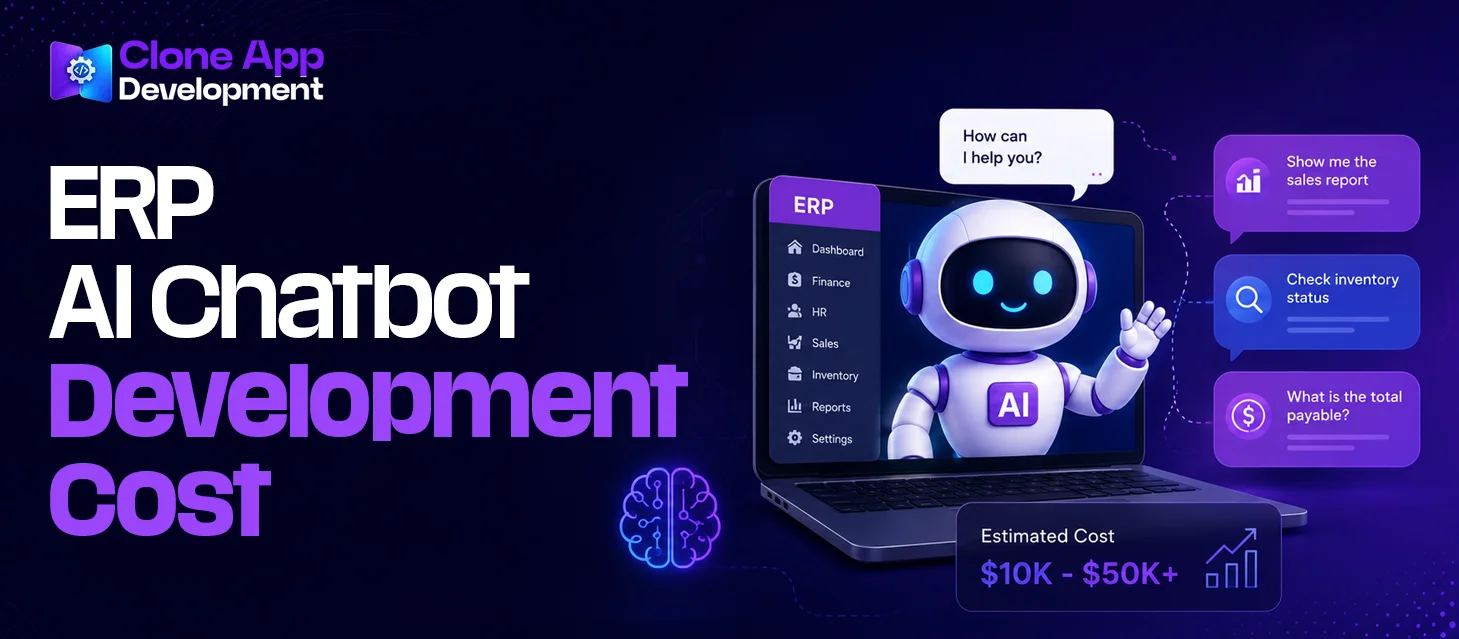
The cost of developing an ERP AI chatbot can vary widely. A simple chatbot that answers questions from one ERP module will cost much less than an advanced solution connected to multiple modules and capable of performing business tasks.
A basic ERP AI chatbot may cost around $15k–$40k, while a more advanced solution can range from $40k to $100k+. Large enterprise systems with complex integrations, advanced AI, automation, and strict security requirements can cost $100k–$250k or more.
Estimated ERP AI Chatbot Development Cost
| Development Level | Estimated Cost | Typical Scope |
| Basic | $15k–$40k | Simple queries and one ERP module |
| Mid-Level | $40k–$100k | Multiple modules, AI features, and basic automation |
| Advanced | $100k–$250k+ | Multiple integrations, advanced AI, automation, and enterprise security |
These are estimated ranges, not fixed prices. The actual cost depends on the project requirements.
What Determines the Development Cost?
Several factors can increase or reduce the total investment.
Key cost factors:
- Number of ERP modules
- Complexity of ERP integration
- AI model and features
- Number of users
- Level of automation
- Data security requirements
- Custom workflows
- Multilingual support
- Web or mobile chatbot
- Testing and maintenance
Tips to Reduce ERP AI Chatbot Development Cost
- Start with a few key use cases.
- Build an MVP first and expand the chatbot as your business grows.
- Focus on one or two ERP modules.
- Start with simple information-based features before adding complex automation.
- Use existing ERP APIs.
- Choose only the AI features your business actually needs.
Build a Custom ERP AI Chatbot With Clone App Development.
Book Consultation
Conclusion
An ERP chatbot powered by artificial intelligence has the potential to make ERP systems far simpler to use. Instead of looking through modules, enterprises can ask questions, locate company information, and do regular tasks faster. It helps in areas like finance, HR, inventory, sales, and procurement based on company needs.
If you want to build an ERP AI chatbot, Clone App Development can help you transform your concept into a viable business solution. First, our team understands your business and technical needs and choose the AI model. Then, we integrate the chatbot with your ERP and create features depending on how your workers really use the system.