The growing demand for on-demand entertainment has created significant opportunities for businesses looking to enter the streaming market. Users now expect convenient access to movies, shows, and other video content across multiple devices, with fast search, personalized recommendations, and uninterrupted playback.
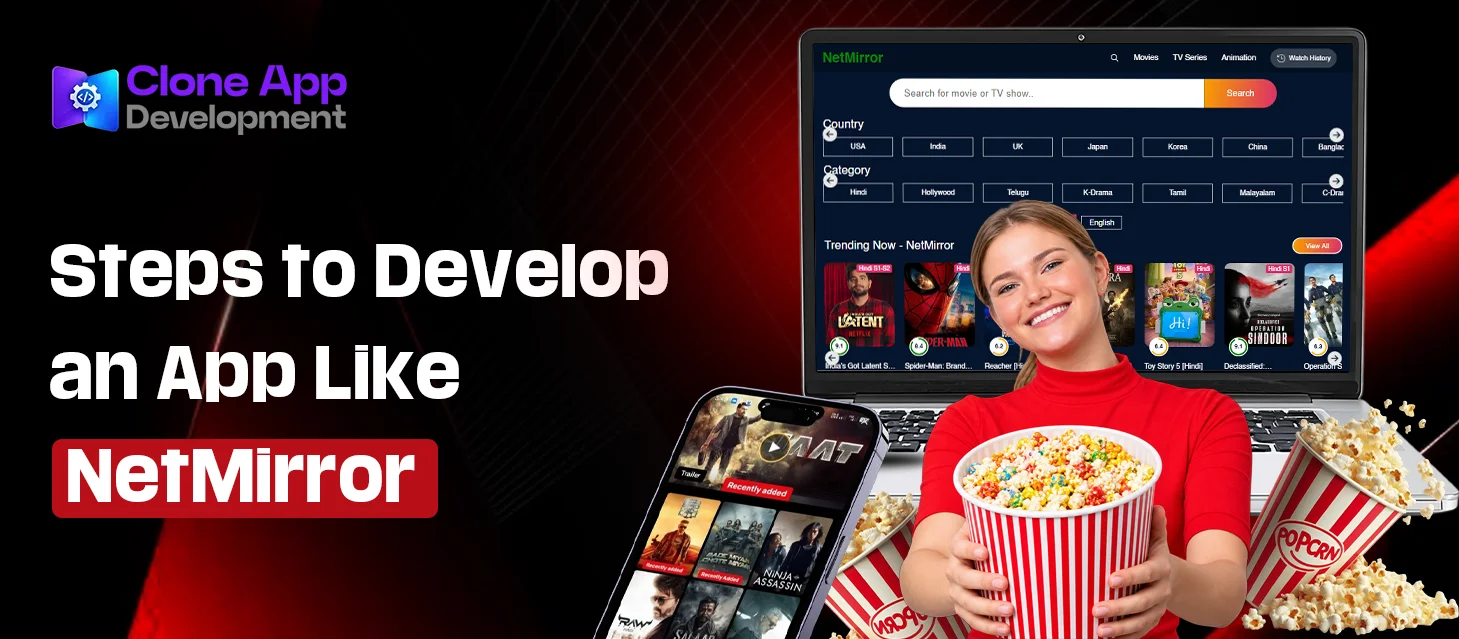
Apps like NetMirror demonstrate the appeal of a simple, content-focused streaming experience. If you’re thinking about building something similar to NetMirror, you need to have solid streaming infrastructure, a user-friendly interface, a secure backend, a proper content management system, user accounts, and scalable architecture.
This guide covers the key aspects to consider when turning a streaming app idea into a scalable digital product.
Build an App Like NetMirror with Clone App Development!
Book Consultation
An Overview of NetMirror
NetMirror is a mobile streaming platform — a place where people can discover video content, browse by category, search for specific titles, check out details before hitting play, and stream whatever’s available, all through a user-friendly interface.
Inspired by NetMirror’s business model, many entrepreneurs want to build a movie-streaming platform, a niche documentary service, an educational video platform, a regional entertainment app, or a subscription-based service built around their own licensed content.
Key Features to Include in an App like NetMirror
A successful streaming application needs to feel effortless from the user’s perspective. Here are some features worth considering.
1. User Registration and Profiles
People should be able to sign up with email, a phone number, or a social login — whatever’s fastest for them.
It’s also worth supporting multiple profiles under a single account. Families and shared households especially appreciate this, since everyone’s watching something different.
2. The Content Library
This is the whole point of the app, so it needs to be organized well. Think in terms of categories:
- Movies
- TV shows
- Documentaries
- Kids
- Trending
- Recently added
- Recommended
- Genres
Every title should come with the basics people expect — poster art, a description, cast info, release year, genre, language, rating, and a trailer if you’ve got one.
3. Search and Filters
Nobody enjoys scrolling forever looking for something to watch.
A solid search function should let people look things up by title, actor, genre, or language, with filters to narrow things down fast. If you’re building something at scale, predictive search and recommendations based on past viewing habits go a long way.
4. Video Streaming Itself
Playback needs to be smooth, with minimal buffering, and it has to adapt to whatever connection speed or screen size the viewer has. Adaptive bitrate streaming handles the quality adjustments automatically as conditions change.
On top of that, users will expect subtitles, multiple audio tracks, proper playback controls, picture-in-picture, and the ability to manually pick a quality setting.
5. Watchlist
Give people a way to bookmark things they want to get to later.
An “Add to Watchlist” button sounds small, but it noticeably boosts engagement — nobody wants to search the same title twice.
6. Continue Watching
If someone leaves halfway through an episode, they shouldn’t have to start over when they come back.
A Continue Watching feature picks up right where they left off — one of those features that seems minor until it’s missing.
7. Personalized Recommendations
Good recommendations are what separate a decent app from one people keep opening.
This means factoring in viewing history, preferred genres, language, and general behavior to surface titles people are actually likely to watch. As you collect more usage data, machine learning can sharpen this considerably.
8. Notifications
Push notifications are useful for flagging new releases, upcoming titles, tailored recommendations, or subscription-related updates.
9. Admin Dashboard
The app people see is only half the picture.
Behind the scenes, your team needs a dashboard to manage everything without touching code — uploading and organizing licensed content, managing users, updating categories, keeping an eye on subscriptions, reviewing analytics, and running promotions.
Steps to Develop an App Like NetMirror
Step 1: Define the Business Model
Before anything else, answer the basics: Who’s this for? What kind of content are you offering? Will people pay a subscription, sit through ads, buy content individually, or some mix of all three?
This decision shapes everything downstream — your tech choices, database design, payment setup, and general product direction.
Step 2: Design the UI/UX
Streaming applications depend heavily on visual presentation.
Sketch out wireframes for the home screen, content detail pages, search, the player itself, profiles, watchlists, and any other core screens. Keep the navigation simple enough that someone can find something to watch in a few taps, not a few minutes.
Step 3: Pick a Tech Stack
The right stack really comes down to your scale and requirements. A fairly typical setup looks something like:
- Frontend: React Native or Flutter, for building once and shipping to both platforms
- Backend: Node.js, Laravel, or another framework built to scale
- Database: PostgreSQL or MySQL
- Cloud: AWS, Google Cloud, or Microsoft Azure
- Video delivery: A CDN-based streaming setup
- Storage: Cloud object storage
- Payments: Stripe, PayPal, or a regional payment gateway
- Analytics: Firebase or similar
If you’re planning for real traffic down the line, the architecture needs to account for that scalability from day one.
Step 4: Develop the Backend
This is where the heavy lifting happens — user accounts, content metadata, subscriptions, watch history, recommendations, notifications, and admin functions all live here, tied together through APIs.
The video infrastructure also needs careful planning because streaming can generate significant bandwidth usage as the number of viewers increases.
Step 5: Build the Mobile App
Now it’s time to actually build the screens and connect them to the backend — authentication, browsing, search, watchlists, playback, profiles, notifications, subscriptions, all of it.
If you need both iOS and Android, going cross-platform with Flutter or React Native saves considerable development time while keeping the experience consistent across devices.
Step 6: Add Security
You’re handling valuable content and sensitive user data, so security has to be built in from the start.
That means secure authentication, encrypted data in transit, proper access controls, secure payment handling, and locked-down APIs. Depending on your licensing agreements, DRM may also be a requirement for premium content.
Step 7: Test Thoroughly Before Launch
Run the app across a range of devices, operating systems, screen sizes, and network conditions.
Pay close attention to playback and buffering, login flows, payments, search, subtitles, notifications, and account management. And if you’re expecting a real audience, load testing isn’t optional — you need to know how the system holds up under real pressure.
How Much Does It Cost to Build an App Like NetMirror?
There isn’t a single development price because the cost depends on the features and technical complexity.
A basic app with accounts, browsing, search, and playback costs a lot less than a full platform with subscriptions, advanced recommendations, multiple profiles, DRM, analytics, and admin tooling running on serious cloud infrastructure.
As a general estimate:
| App Type | Approximate Cost |
| Basic streaming app | $15,000–$30,000 |
| Medium-complexity platform | $30,000–$70,000 |
| Advanced streaming platform | $70,000–$150,000+ |
Build an App Like NetMirror with Clone App Development!
Book Consultation
Clone App Development – Your Streaming App Development Partner
Clone App Development brings hands-on experience across mobile and web development, helping businesses turn streaming ideas into products that actually function at scale.
Our team can help across the board — UI/UX design, mobile development, backend APIs, cloud setup, payments, and ongoing support. And rather than cloning an existing app, we build around your specific business model from the start.
Whether you want to start with a NetMirror-like clone or build a completely customized streaming platform, our team can shape the solution around your requirements. Get in touch with us today!